 Keet Support
Call Reactions 🎉
Send a quick emoji reaction during a voice or video call to react in the moment without interrupting the conversation or posting a chat message.
How do I send a reaction during a call?
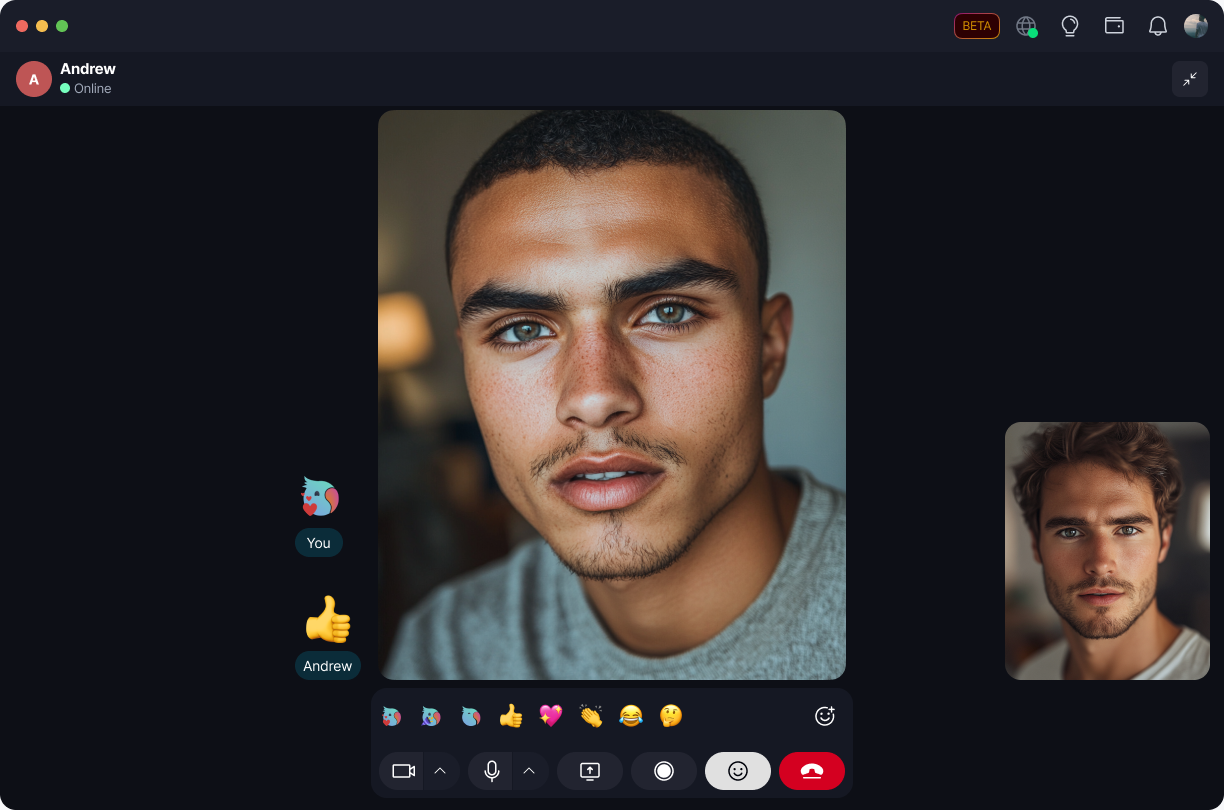
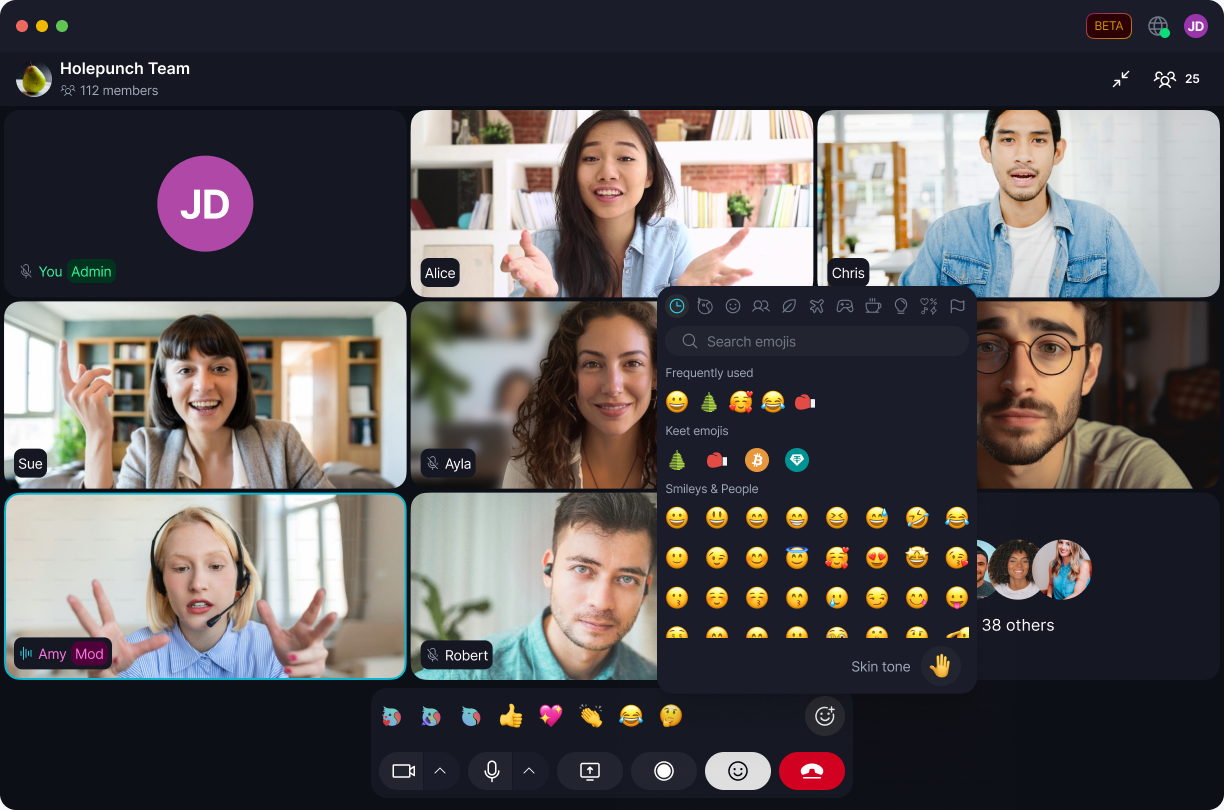
While in a call, select the reaction icon in the call controls to open the reaction picker, then choose an emoji:

Select the + button for the full emoji picker if you want a reaction outside the quick list:
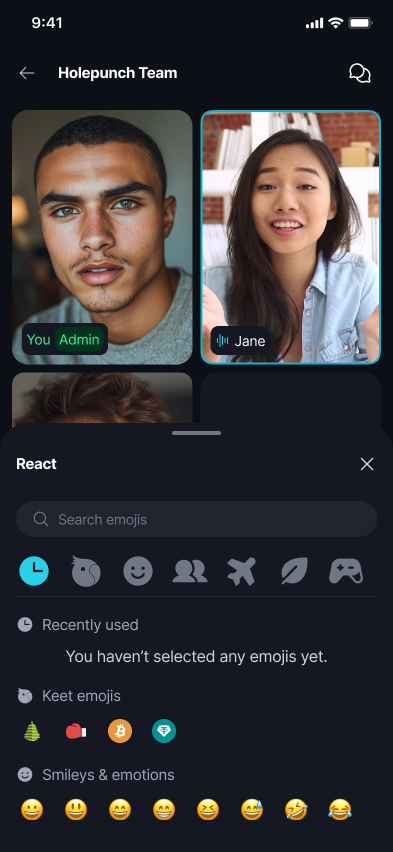
While in a call, tap 'React' to open the reaction picker, then choose an emoji:
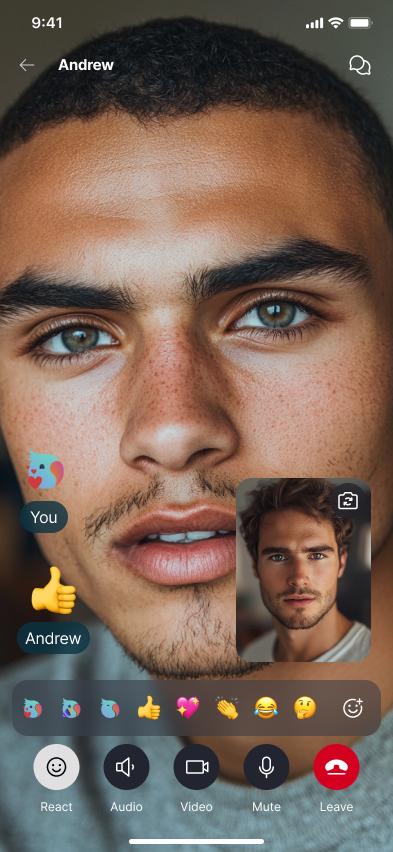
Your reaction appears floating over your video for everyone on the call to see, labeled with your name, then disappears on its own after a moment:

😄 Reactions don't post a message in the room's chat, and they don't remain on screen permanently - they clear automatically. Leaving and rejoining a call also clears any previous reactions.
Sending or receiving a reaction doesn't mute or unmute anyone, and doesn't change anyone's camera state. Multiple people can react at the same time without disrupting the call, and every other call control stays usable while reactions are on screen.
Desktop and Mobile share the same reaction set and behavior, including in one-to-one calls: